Free Tutorials
Live Tutorials
Blog
Get the App
Members Area
Sign up
Login
🇬🇧 EN
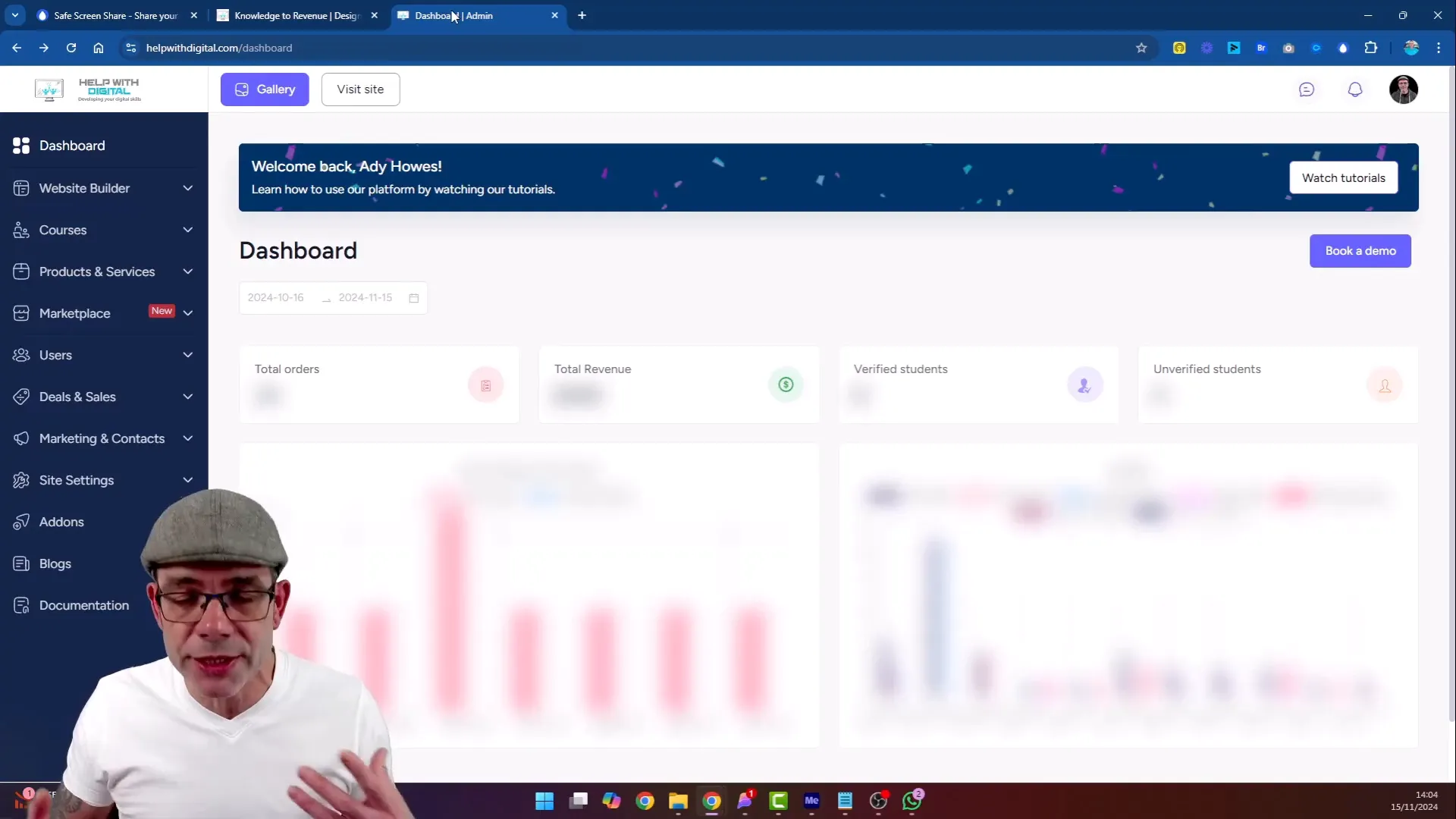
Protecting Confidential Information with Safe Screen Share
1. What is Safe Screen Share?
1. Key Features of Safe Screen Share
2. How to Use Safe Screen Share
1. Step 1: Install the Plugin
2. Step 2: Access the Plugin
3. Step 3: Apply Blur Settings
4. Step 4: Adjust Blur Intensity
5. Step 5: Save Your Settings
3. Examples of Using Safe Screen Share
1. 1. During Client Meetings
2. 2. For Course Creators
3. 3. In Financial Discussions
4. Why Choose Safe Screen Share?
Protecting Confidential Information with Safe Screen Share
Ady Howes
4 minute read
Related Posts
Turn Podcasts into Videos Instantly with AI?
I turned the thing Katie had been putting off into a no-brainer
Client Stories: The Secret Sauce You're Missing
How to Launch Your First Online Course: A Step-by-Step Checklist for 2026
How to Schedule a Pre-Recorded Go Live in OneStream